
Merchant Security Basics
When you accept Bitcoin as a merchant, you take on responsibilities that a traditional card payment processor normally handles for you. There is no bank to call if something goes wrong. There is no fraud department to reverse a stolen transaction. The security of your Bitcoin holdings depends entirely on how you manage keys, devices, and operational habits. This guide covers the practical security measures every small merchant should have in place, written from the perspective of someone who has seen these systems work and fail in real setups. We focus on what matters, skip the paranoia that does not apply to small-scale merchants, and explain each recommendation in plain terms. For the broader payment setup, see our Bitcoin Payments hub.
Understanding What You Are Protecting
Before diving into specific measures, it helps to understand the threat model for a small merchant.
Your private keys. These are the cryptographic credentials that control your Bitcoin. Anyone who has your private keys can spend your Bitcoin. Losing access to your private keys means losing your Bitcoin permanently. There is no recovery mechanism, no customer service, no override.
Your recovery seed phrase. A human-readable backup of your private keys, typically 12 or 24 words. This is functionally equivalent to your private keys. If someone obtains your seed phrase, they control your funds.
Your devices. The phone, tablet, or computer that runs your wallet or payment software. A compromised device can leak your keys or manipulate your payment flow.
Your operational information. How much Bitcoin you hold, where you keep it, what your conversion schedule is. This information can make you a target if it becomes known to the wrong people.
Key Management
Key management is the foundation of Bitcoin security. For a small merchant, this does not need to be complicated, but it does need to be correct.
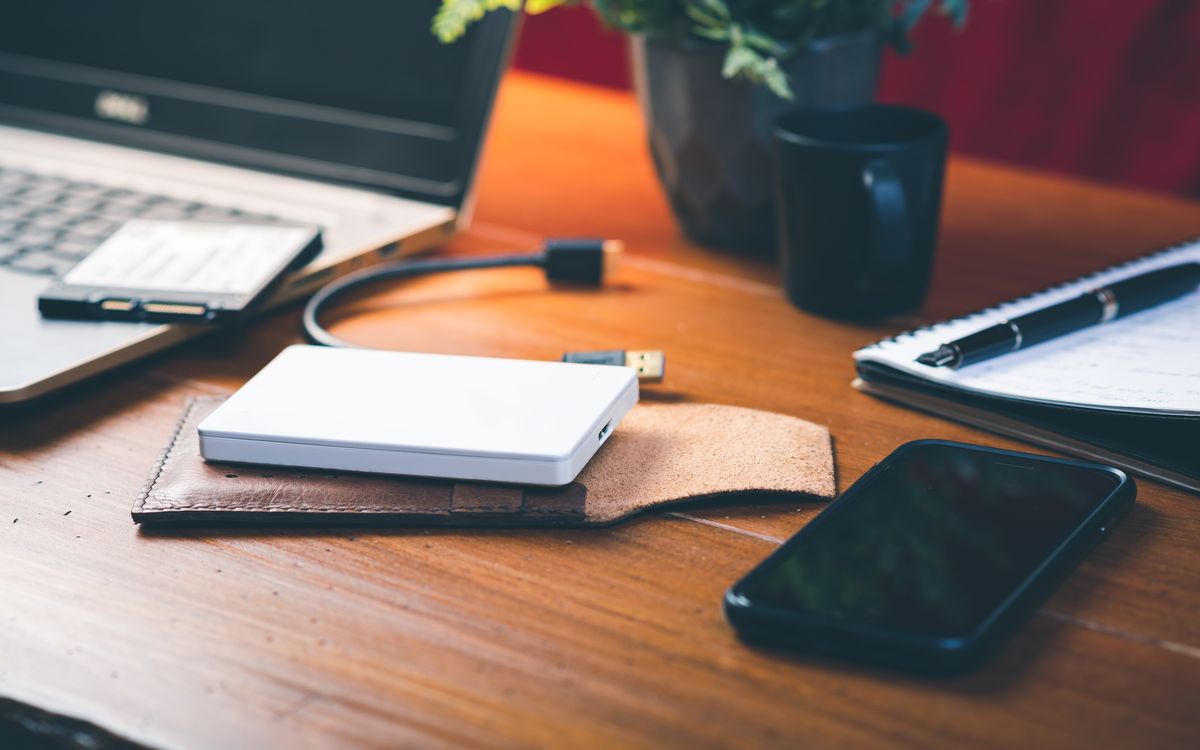
Use a hardware wallet for storage. A hardware wallet keeps your private keys on a dedicated device that never exposes them to your phone or computer. Even if your computer is compromised, the keys remain secure. For any merchant holding Bitcoin beyond what is needed for immediate conversion, a hardware wallet is essential.
Separate hot and cold storage. Keep a small amount of Bitcoin in a "hot" wallet (software wallet on your phone or tablet) for daily merchant operations. Move larger amounts to a "cold" wallet (hardware wallet or offline storage) regularly. The hot wallet is your cash register drawer. The cold wallet is your safe.
How much to keep hot. A reasonable guideline is to keep no more than one to two days of expected Bitcoin revenue in your hot wallet. Transfer excess to cold storage daily or at the end of each business day.
Back up your seed phrase properly. Write your recovery seed phrase on paper (not in a digital file, not in a screenshot, not in a notes app). Store it in a secure, fireproof location separate from where you keep your hardware wallet. Some merchants write it on metal plates for durability. The important thing is that it is offline, secure, and accessible to you in an emergency.
Device Security
Your payment device is the front door of your Bitcoin security.
Keep your operating system updated. Security patches exist for a reason. Outdated software has known vulnerabilities that attackers can exploit. Set your devices to update automatically or check weekly.
Use strong authentication. Lock your payment device with a PIN, password, or biometric authentication. A tablet left unlocked on a market counter is an invitation for trouble.
Install only what you need. Your payment device should run your payment software, your wallet, and as little else as possible. Every additional app is an additional attack surface. Do not use your merchant tablet for personal browsing, social media, or downloading random files.
Secure your Wi-Fi. If you use a mobile hotspot or local Wi-Fi for your payment device, ensure it uses WPA3 or WPA2 encryption with a strong password. Do not connect to open public Wi-Fi networks for merchant operations. An attacker on the same network can potentially intercept or manipulate your traffic.
Consider a dedicated device. If Bitcoin payments represent a meaningful part of your revenue, using a dedicated device solely for payment processing eliminates a large category of risks. An inexpensive Android tablet used only for your Bitcoin payment app is a reasonable investment.
Backup Procedures
Backups are not something you think about until you need them, and by then it is too late.
Seed phrase backup. Already covered, but worth emphasising: this is your most important backup. Without it, a lost or damaged hardware wallet means permanent loss of funds.
Wallet configuration backup. If you use BTCPay Server or a similar self-hosted tool, back up your server configuration and database regularly. A server failure without backups means rebuilding your payment infrastructure from scratch.
Transaction records. Export your transaction history regularly and store it securely. These records are needed for tax reporting and dispute resolution. Do not rely solely on the wallet software to maintain this data.
Test your backups. Periodically verify that you can actually restore from your backups. A seed phrase written down incorrectly is not a backup, it is a false sense of security. You can test by restoring a watch-only wallet from your seed phrase without spending any funds.
Operational Security Habits
Good habits prevent most security incidents.
Verify addresses carefully. When sending Bitcoin (for refunds, transfers to cold storage, or conversion), double-check the destination address. Malware exists that replaces copied Bitcoin addresses with attacker-controlled addresses. Verify at least the first and last several characters of any address before confirming a transaction.
Be sceptical of unsolicited contact. Emails, messages, or calls asking you to update your wallet, verify your account, or send Bitcoin to resolve a technical issue are almost certainly scams. No legitimate service will ever ask you to share your seed phrase or private keys.
Limit disclosure. Do not publicly advertise how much Bitcoin you hold or process. Do not post wallet balances on social media. Do not share specific details about your storage setup with people who do not need to know.
Separate business and personal. Use separate wallets and preferably separate devices for business Bitcoin operations and any personal Bitcoin holdings.
Physical Security
For merchants operating at markets, shops, or other physical locations:
Secure your hardware wallet. When not in use, store it in a safe or secure location. Do not leave it in an unlocked vehicle, a market booth overnight, or anywhere accessible to casual theft.
Payment device theft. If your payment tablet is stolen, the thief should not be able to access your Bitcoin. This is why device authentication and limited hot wallet balances matter. If the stolen device only has access to a hot wallet with a small balance, your exposure is limited.
Emergency plan. Know what to do if your payment device is stolen or compromised: remotely wipe the device if possible, move funds from any connected wallets to new addresses, change relevant passwords, and review recent transactions for unauthorised activity.
Common Security Mistakes
From observing small merchant Bitcoin operations:
- Writing seed phrases digitally. Screenshots, text files, emails, and cloud notes are all vulnerable to hacking. Paper in a secure location is safer.
- Ignoring updates. Software vulnerabilities are discovered regularly. Keeping payment software and operating systems up to date is a basic requirement.
- Reusing passwords. Your Bitcoin wallet password should be unique and not used for any other service.
- Overcomplicating the setup. A simple, well-understood security setup that you actually follow is better than a complex one that you cut corners on because it is inconvenient.
- Not having a recovery plan. If you are incapacitated, can a trusted person access your Bitcoin to manage the business? This estate planning consideration is often overlooked.
Security Checklist
A minimum security standard for a small Bitcoin-accepting merchant:
- [ ] Hardware wallet for cold storage
- [ ] Seed phrase written on paper, stored securely offline
- [ ] Dedicated or secured device for payment processing
- [ ] Device locked with strong PIN or biometric
- [ ] Operating system and apps kept updated
- [ ] Hot wallet balance limited to one to two days' expected revenue
- [ ] Regular transfers from hot to cold storage
- [ ] Transaction records exported and backed up
- [ ] Emergency plan documented
- [ ] No digital copies of seed phrases anywhere
This is not exhaustive. But it covers the practical measures that prevent the vast majority of incidents affecting small merchants. Start here, then refine as your operation grows and your experience deepens.
For the full merchant setup process, see our guide on How to Accept Bitcoin Payments.